
Once MetaTrader is installed on a VPS, you still have to pick the machine itself. Hosts slap the "Forex VPS" label on just about anything. In practice the choice comes down to latency, the resources you actually get, and uptime.
1. Latency, the real question
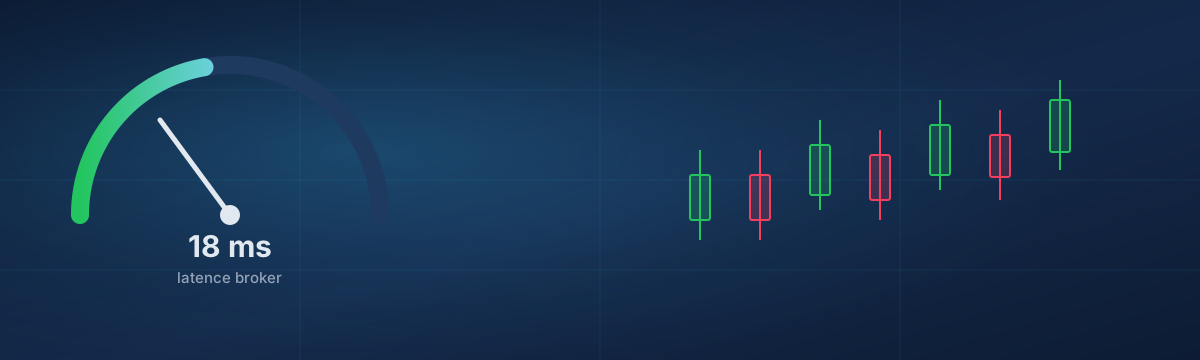
Latency is the round-trip time between your terminal and the broker's server. It is measured in milliseconds and counts twice: once to send the order, once to receive the confirmation. On a long-term strategy, 100 ms is invisible. In scalping or with a high-frequency EA, that same latency is paid in slippage and rejected orders (requotes).
The classic mistake is picking a VPS "close to home". Forget the distance to you; measure the distance between the VPS and the server of your broker. A VPS in Montréal talking to a New York broker beats a VPS in your own city but three networks away from the broker.
2. Measure it before buying
Do not trust marketing promises. Measure for yourself. Most brokers publish their access server's address (the one MetaTrader shows in the bottom-right corner). A simple test from a trial VPS is enough:
# Raw latency to the broker's server
ping -c 20 access.my-broker.com

# Latency to the trading port (often 443 or 3000+)
nc -vz access.my-broker.com 443
mtr --report access.my-broker.com
Aim for a stable average and, above all, low variance: a 12 ms ping
that regularly jumps to 80 ms is worse than a steady 30 ms. mtr reveals
where the path degrades, which a plain ping hides.
3. Where to place the VPS
Broker servers cluster in a few hubs: London (LD4/LD5) for Europe, the New York/New Jersey area (NY4) for North America, Tokyo (TY3) for Asia. Pick the region closest to your broker's server, not to you.
From Montréal, where we operate, the link to the New York/New Jersey corridor is short and direct. That helps North American brokers and any flow heading to NY4. If your broker is purely European, test before you commit. A well-connected VPS a few thousand kilometres away sometimes beats a "local" host on a mediocre network.
4. The resources that matter
The trap with cheap VPS is overselling: ten customers share cores sold as dedicated. The day the market gets busy, everyone computes at once and your EA waits its turn. For trading, demand genuinely dedicated cores.
- CPU: 1 to 2 dedicated vCPUs are enough for MetaTrader and a few EAs. Consistency beats raw count.
- RAM: 2 GB for one terminal, 4 GB once you run several accounts or a comfortable Windows VPS.
- Disk: NVMe for smooth log and history writes; 40 GB is plenty.
- Network: decent bandwidth, but above all a stable link. Forex exchanges little data; consistency matters more than throughput.
Our VPS run on dedicated cores that are never oversold: the vCPU you pay for is available the instant the EA needs it, including during economic releases.
5. Uptime and network
A trading VPS that goes down for an hour at the wrong moment can be costly. Look beyond the "99.9%" figure:
- Real monitoring: a human on-call team that reacts beats an automated dashboard nobody watches.
- Redundancy: doubled power and network on the data-centre side.
- Public status page: a host that shows its incidents owns them. Ours is at status.ffxf.net.
- Backups: essential for your EA settings. With us, 7 manual backups are included and fire with one click.
6. Cost and commitment
A Forex VPS should not cost a fortune. A MetaTrader terminal with a few EAs runs perfectly well on a small configuration; there is no point overpaying for cores you will never use. Prefer a fixed, clear price with no billing surprises, and the option to move up a tier if your needs grow.
Our plans start at CAD 8.50 per month, on dedicated cores, with IPv4 and 4 native IPv6, the management console, and human support in Montréal. Enough to host your trading without thinking about it.
Buying checklist
- Latency measured (not promised) to your broker's server, low and stable.
- Location chosen by the broker, not by where you live.
- Genuinely dedicated cores, not oversold.
- RAM and disk sized to the number of terminals and EAs.
- Credible uptime: human monitoring, status page, redundancy.
- Backups included for your settings.
- Fixed price, room to upgrade.
A good trading VPS ends up forgotten. It executes orders, holds through the busy sessions and keeps your backups current, without ever waking you at night. Once the choice is made, all that is left is to install MetaTrader on it and let your strategies work.